How to Cancel Candy AI Subscription (2026 Guide)

Tired of that recurring Candy AI subscription fee?
If you're ready to cancel your plan and stop future payments, you've landed in the right place.
This guide will show you exactly how to terminate your Candy AI subscription in a few simple steps.
You can stop the charges directly through your account settings, and if that doesn't work, there are other official channels to get it done.
🤷♀️ How to Cancel Candy AI Subscription in 4 Easy Steps?
The quickest method to end your Candy AI subscription is by using the dashboard on their official website.
This is the recommended process and works for most users looking to stop their membership.
Here are the clear steps to cancel the subscription:
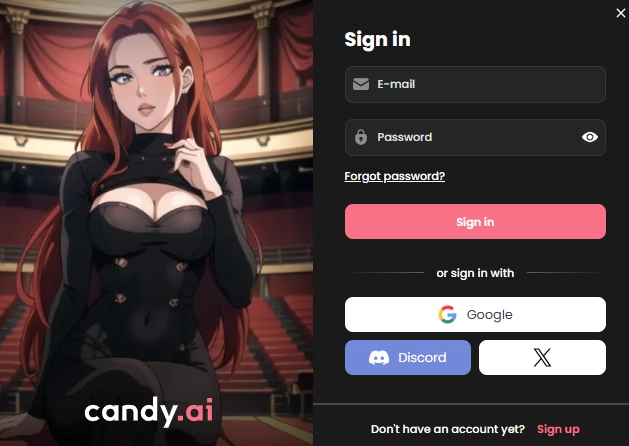
Log In to Your Account
Go to the Candy AI website and sign in using your registered email and password.
Access Profile Settings
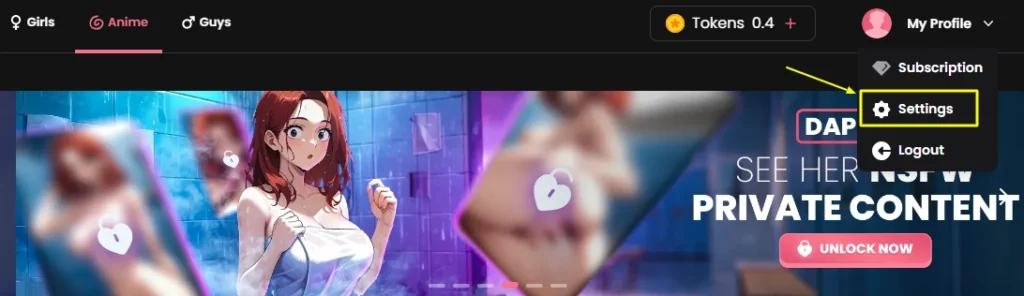
Find and click on “My Profile,” which is typically located in the top-right corner of the page. From there, select “Settings”.
Find the Subscription Area
Scroll down the settings page until you see your current subscription details.
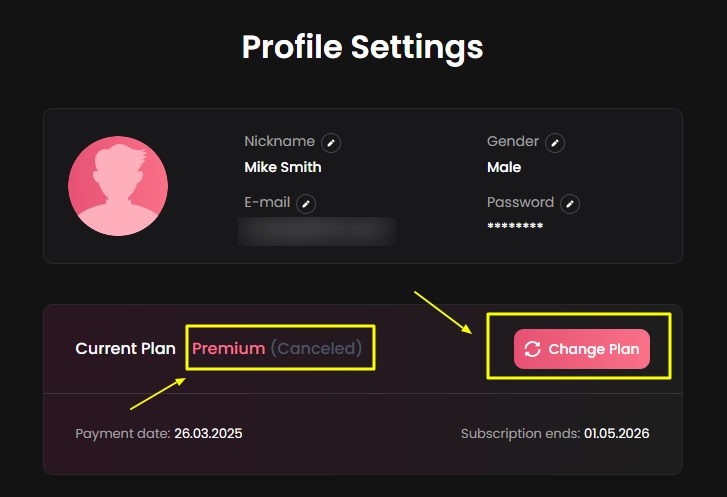
Look for a button labeled “Unsubscribe,” “Change Plan,” or “Cancel Subscription”.
Confirm the Cancellation
Click the cancellation button and follow the on-screen prompts to confirm that you want to stop billing.

Once successful, you should see a “(canceled)” status next to your plan, which confirms that future charges have been stopped.
❌ Getting Help With Candy AI Cancellation
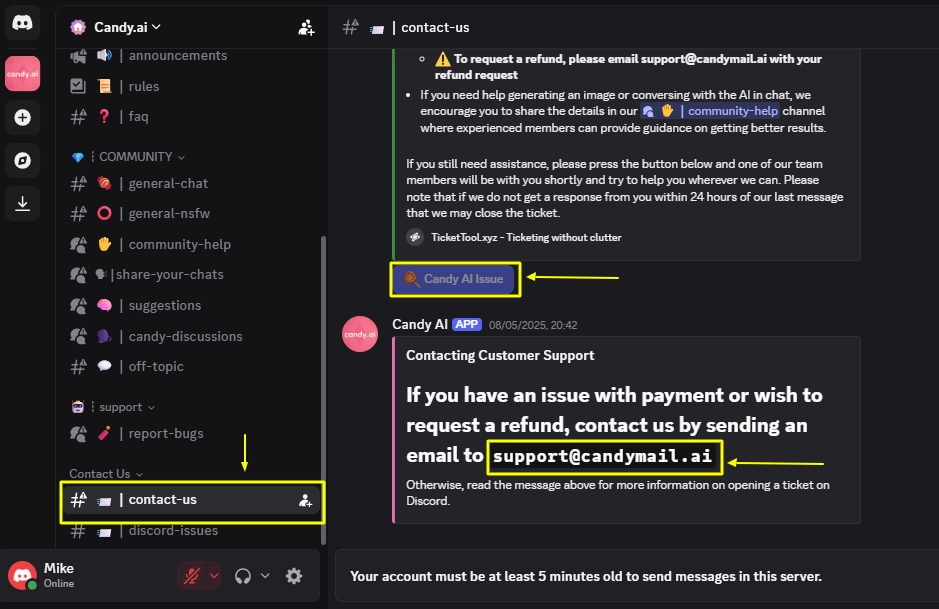
If you run into issues with the website or can't find the cancel button, you can still terminate your subscription through other official routes. These methods also provide a written record of your request.
🤔 What Happens After Cancelling Candy AI Subscription?
Cancelling your subscription stops future payments, but your access to premium features doesn't end immediately.
Your account remains active with full benefits until the end of your current paid billing period.
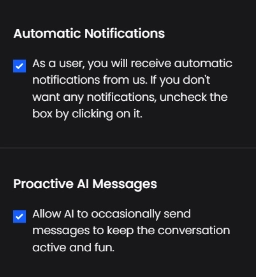
Be sure to use any remaining tokens before your plan expires, as they may be lost after the downgrade.
In rare cases, such as technical problems preventing cancellation, you might be eligible for a refund if you contact support shortly after being charged.
🧐 How to Delete Candy AI Account Permanently GDPR Wipe Data?
Stopping your subscription does not delete your account or chat history. Account deletion is a separate action from stopping renewal.
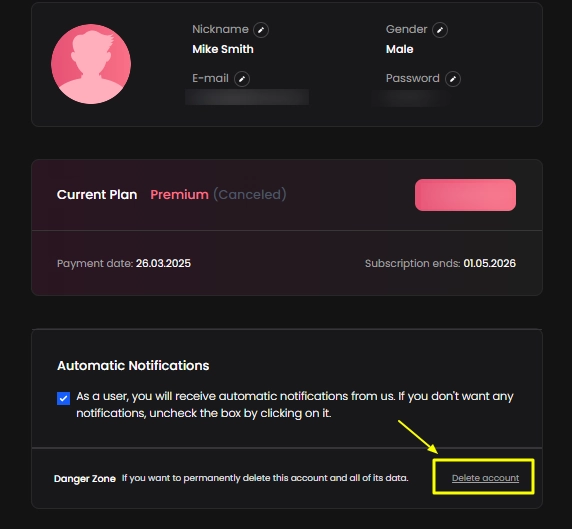
You will be asked for a reason and then need to confirm the permanent deletion.
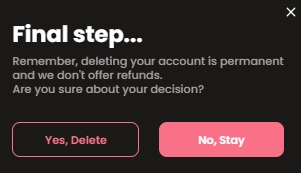
Account deletion should not be treated as a promise that every record disappears immediately. Check the privacy policy for retention exceptions and ask support about any data you need removed.
For users in regions with strong privacy laws like GDPR, you can also email support and formally request the complete erasure of your personal data.

AIPornguru Recommends
🎯 Final Verdict
Alright, you've officially cut the cord! ✂️
No more surprise charges from Candy AI sneaking into your bank statements. If you canceled to save some cash, switch to a new platform, or just take a breather from the AI scene, you can now rest easy knowing your account is sorted and your wallet is safe.
If you ever decide to dive back into the world of AI companions, you know the drill, but for now, enjoy the freedom (and the extra savings)!
Catch you on the next one. ✌️
Mike Smith, a tech journalist, uncovers the freshest trends in AI porn. With sharp insight, he chronicles how innovations shape adult content’s future, delivering must-read stories for fans of NSFW tech and its evolving role in our world.
Affiliate Disclosure: This post may contain some affiliate links, which means we may receive a commission if you purchase something that we recommend at no additional cost for you (none whatsoever!)