How to Use NudeAI.fun Without Wasting Your First Desires
So you've landed on NudeAI.fun and you're wondering what the hell you're looking at.
The interface is minimal, the credit system has its own vocabulary, and the free trial gives you exactly one generation to figure it all out.
Don't burn it yet. Read this first.
Quick Answer: To use NudeAI.fun, sign up, buy a Desires credit pack, pick image or video generation mode, upload a clear JPEG or PNG photo, choose a scene, and hit Generate.
Images take about 15–60 seconds. Videos take 2–5 minutes. HD-quality results require at least the $60 credit pack.
🤔 What is NudeAI.fun, actually?
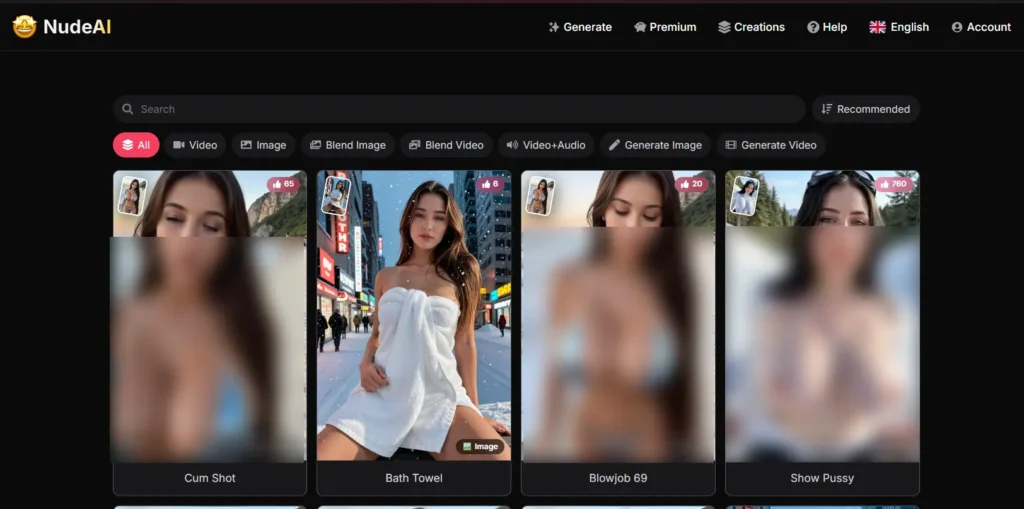
NudeAI.fun is an AI nudify and adult content generator. You upload a photo, pick a scene, undress, topless, explicit positions, blowjob scenarios, and the AI generates either a static image or an animated video based on that input.
It's not a chatbot. It's not a roleplay app. It's purely visual, a nudify AI and AI porn generator rolled into one clean interface.
What's interesting is that it covers a wider range than most nudify tools. Most AI undress apps stop at clothes removal.
NudeAI.fun goes further, offering full AI-generated porn video scenes with audio, which puts it in a slightly different league from standard “deepnude” generators.
⚠️ Caution:
This platform is strictly 18+. Only use photos of yourself or someone who has given you clear, enthusiastic consent.
Non-consensual use of real people's images is illegal in many jurisdictions and morally indefensible. This guide assumes you're a responsible adult using it for yourself or consensual creative purposes only.
👉 Creating Your Account
Getting started is quick and painless. No phone verification, no ID checks on signup.
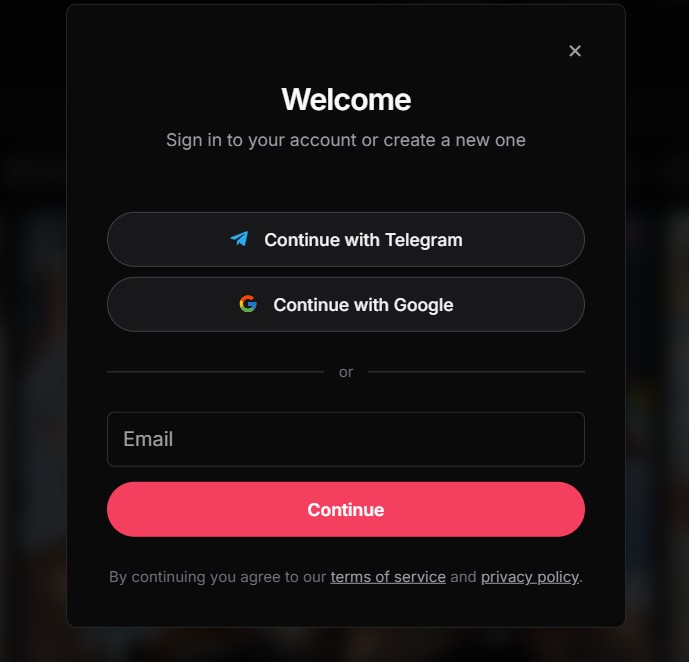
Once logged in, you'll see the main Generate panel at the top with two tabs, Generate Image and Generate Video.
There's also a Creations tab where your generation history lives and a Help section if things go sideways.
Your new account starts with 1 Desire. That's the trial credit. It sounds stingy, and honestly, it is, but it's enough to understand how the interface actually works before you spend anything.
💡 Expert Tip:
Run your trial Desire on the Undress image scene. It's the platform's most-used and most reliable template.
You'll get a better read on output quality from that single generation than any other scene.
❤️🔥 Understanding Desires (The Credit System)
Before you generate anything meaningful, you need to understand how NudeAI.fun charges you, because the unit economics matter quite a bit depending on how you plan to use it.
Everything runs on Desires. One image generation costs roughly 1.5 Desires. One video generation costs around 8 Desires. Video+Audio scenes cost a bit more on top of that.
Here's the full pricing breakdown:
| Pack | Desires | Cost | Per Desire | What You Get |
|---|---|---|---|---|
| Starter | 50 | $20 | $0.40 | ~33 images or 6 videos |
| — | 150 | $40 | $0.27 | ~100 images or 18 videos |
| — | 300 | $60 | $0.20 | ~200 images or 37 videos |
| — | 900 | $120 | $0.13 | ~600 images or 112 videos |
| Best Value | 4,000 | $300 | $0.08 | ~2,666 images or 500 videos |
The $20 Starter pack is fine for testing. But if you're going to use this regularly, the 900 Desire pack at $120 is the sweet spot, HD mode included, no watermarks, and the per-Desire rate drops from $0.40 down to $0.13.
💡 Expert Tip:
HD mode only activates from the $60 pack (300 Desires) and above. If output quality matters to you, and it should, don't bother with the two cheapest packs for real use. The image sharpness difference is genuinely noticeable.
📥 How to Upload Photos?
The upload process is drag-and-drop simple, but your source photo makes or breaks the entire generation. This is the part most beginners get wrong.
The platform accepts PNG, JPEG, HEIC, and GIF files.
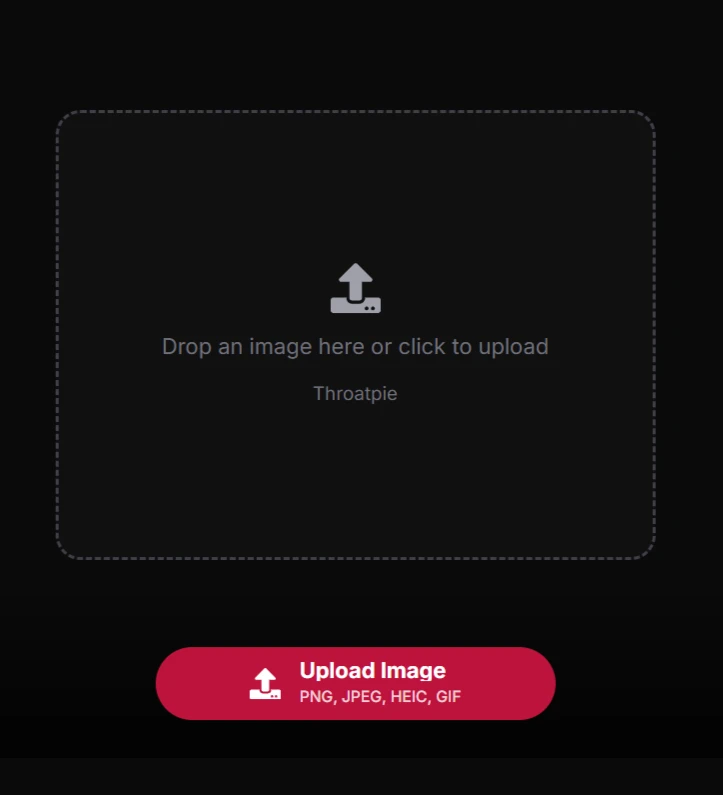
iPhone users: HEIC works fine here, though converting to JPEG first can occasionally reduce upload errors on slower connections.
What makes a good source photo:
The photo should be high resolution, at least 800x800px, ideally 1080p or above. Front-facing shots work dramatically better than side profiles for most scenes, especially video generation where the AI needs face data to maintain consistent features across frames.
Lighting matters more than people expect. Evenly lit photos give the model accurate skin tone and body contour data to work with. Dark, heavily shadowed images produce muddy, weirdly textured outputs.
Fitted clothing outperforms baggy clothing every single time. When you're wearing something formless, the AI has to guess your body shape. It usually guesses wrong. Tight-fitting clothes give it actual reference geometry.
⚠️ Watch Out For:
Heavily filtered photos, Instagram or Snapchat beauty filters specifically distort skin tone and facial proportions in ways that confuse the model. Raw, unedited photos consistently outperform filtered ones. Group photos are also a disaster; the AI doesn't know who to focus on.
Common upload errors and what they mean:
If your upload keeps failing, check the file size first, and compress anything above 10MB. If it's an iPhone HEIC that won't cooperate, export it as JPEG from your Photos app and try again.
If the image uploads but generates badly, the problem is almost always resolution or heavy filters, not a platform bug.
🖼️ Generating AI Images: The Full Walkthrough
Once your account is funded and your photo is ready, image generation is genuinely fast.
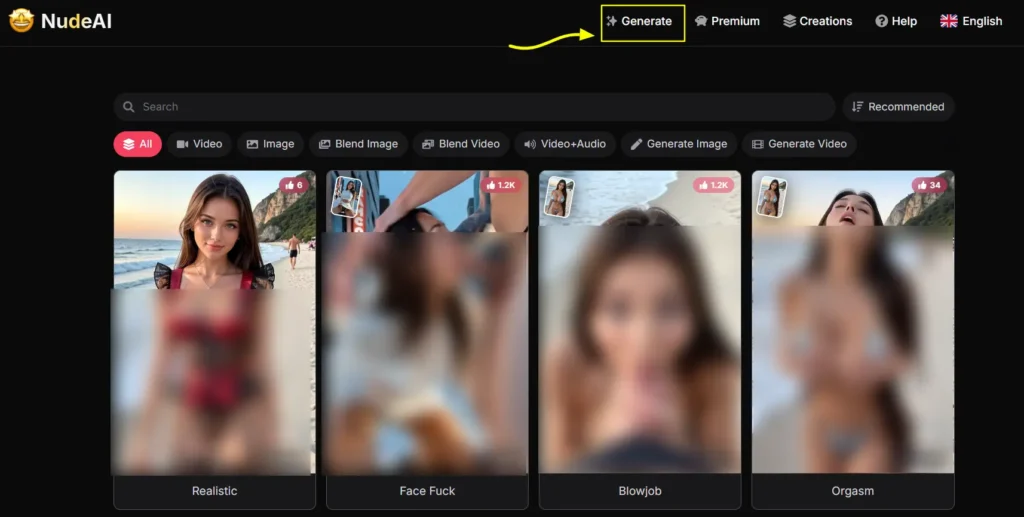
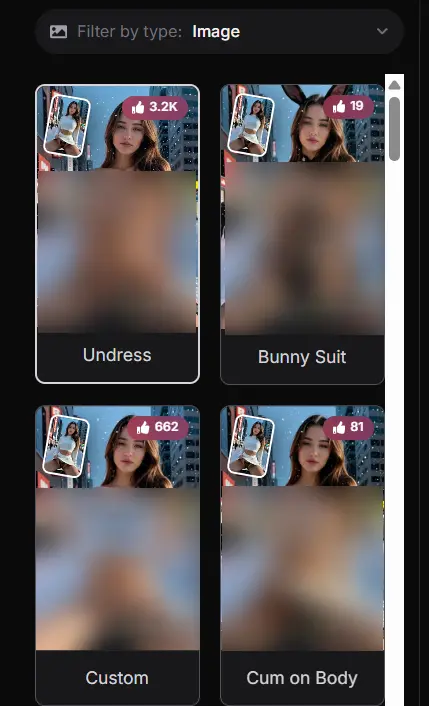
The Custom scene is worth highlighting here. Instead of a preset, it opens a text prompt field where you describe exactly what you want. It takes a little more thought, vague prompts produce vague results, but it gives you creative flexibility that none of the fixed presets can match. If you're trying to generate something specific and none of the templates quite fit, Custom is your friend.
💡 Expert Tip:
For Custom prompts, be specific about appearance details, hair colour, skin tone, setting, lighting, clothing state. “Nude brunette woman, bedroom, warm lighting, natural pose, photorealistic” will outperform “naked woman” every time. The model responds well to descriptive, layered prompts.
🎥 Generating AI Videos
Video generation follows the same basic flow, but the stakes are higher, videos cost significantly more Desires than images, and generation takes longer.
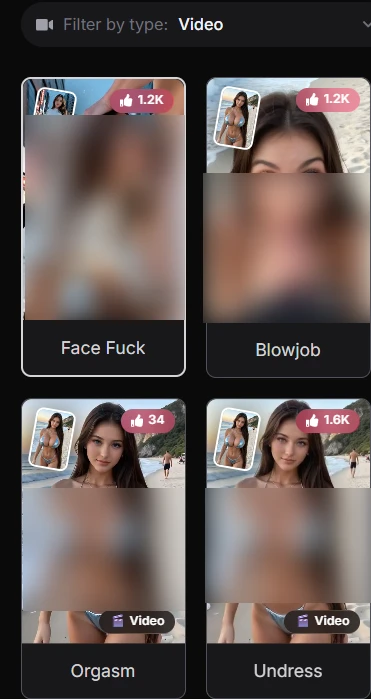
The Video+Audio mode is the most premium tier and the most immersive. It adds actual audio, moaning, and ambient sound to the generated clip. Available scenes currently include cum shot, squatting cowgirl, missionary POV, front doggystyle, undress, and blowjob POV.
It's a smaller selection than the standard video library, but the added audio layer makes a genuine difference in how the output feels.
⚠️ Caution:
Don't start your NudeAI.fun journey with video generation. Images cost a fraction of the Desires. Test your scene choice and source photo with an image generation first. Once you know the output style works with your photo, then commit video credits to it.
⚙️ Settings That Actually Matter
Most of the settings on NudeAI.fun are handled by your plan tier rather than in-app toggles. But there are a few choices that directly affect your results:
| Setting | Recommended Choice | Why It Makes a Difference |
|---|---|---|
| Generation Mode | Start with Image, then Video | Images cost ~1.5 Desires; videos cost ~8. Test cheaply first |
| Scene Selection | Undress for testing; Custom for creative control | Undress has the most training data behind it, most reliable results |
| Source Photo Quality | 1080p+, JPEG, front-facing, no filters | The single biggest factor in output quality |
| Credit Pack | 900 Desires ($120) for regular use | HD mode active, no watermarks, best balance of cost vs. output quality |
| Export Timing | Download immediately after generation | Lower plans only store history for 48 hours |
| Prompt (Custom scenes) | Specific, layered descriptions | Vague prompts produce generic, often off-target results |
❌ Mistakes That'll Waste Your Credits
A lot of people burn through their first pack faster than expected. Usually it's the same handful of mistakes.
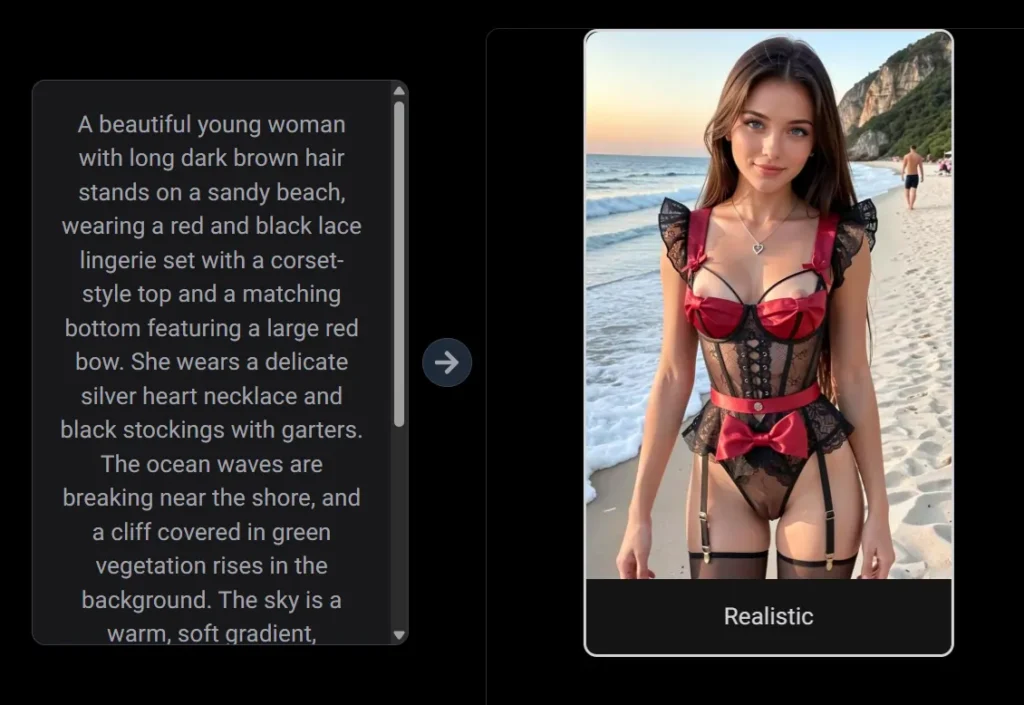
Starting with video generation instead of images is the most common one. You can test an entire scene concept for under 2 Desires in image mode. Jumping straight to video on an untested photo costs you 8+ Desires and sometimes produces a result that could've been fixed with a better source image.
Uploading group photos is another one. The AI genuinely doesn't know which person you want it to process. The output usually looks like a haunted fever dream.
Ignoring the Custom scene option is a missed opportunity too. The preset scenes are well-optimised but limited. If you have something specific in mind that no preset covers, Custom with a well-written prompt often produces sharper, more accurate results than forcing a semi-relevant preset to do the job.
And finally, not downloading results on time. If you're on a plan with a 48-hour history (that's everything below the highest packs), and you forget to download a generation, it's gone. No recovery, no refund. Check your Creations tab after every session.
🤔 How Long Does Generation Actually Take?
Images: Roughly 15–60 seconds on paid plans with priority access. On trial or free generation, you might wait 2–4 minutes depending on server load.
Videos: 2–5 minutes on paid plans, routinely. During peak evening hours, it can stretch to 8–10 minutes if you're on a lower-tier pack without priority queue access.
Video+Audio: Slightly longer than standard video, budget 3–7 minutes and don't close the tab.
The priority access that comes with paid plans genuinely matters during busy periods. If you've ever sat watching a progress bar move in single-digit increments for 15 minutes, that's a free/low-tier experience on a packed server. Paid plans effectively jump the queue.
✅ Is NudeAI.fun Worth Paying For?
That depends entirely on what you want from it.
If you're after basic AI undressing for a handful of images out of curiosity, the $20 Starter pack covers that. It's not HD, there are watermarks, but it's a low-risk entry point.
If you're using it regularly for AI-generated nude content creation, say, for personal use, content production, or just feeding an ongoing AI porn habit, the $60 or $120 pack is the right call. HD mode alone justifies the step up. The output quality difference between non-HD and HD is not subtle.
The $300 pack at 4,000 Desires is genuinely good value at $0.08 per Desire, and Desires never expire so there's no pressure to use them up. If you're a power user, that math is hard to argue with.
💡 Tips for Getting the Best Results
A few things that actually move the needle:
👍 Pros and👎Cons
What Works
What Doesn't
❓ Frequently Asked Questions
How do I use NudeAI.fun?
Sign up for a free account, purchase a Desires credit pack (starting from $20), choose Generate Image or Generate Video from the top menu, upload a clear PNG or JPEG photo, select a scene template, and click Generate. Images are ready in under a minute on paid plans; videos take 2–5 minutes. Download your results from the Creations tab.
Is NudeAI.fun free?
Not really. You get 1 trial Desire on signup — enough for a single generation to test the platform. After that, you need to purchase credits. There's no ongoing free plan, no daily credit refresh, and no subscription tier. It's purely pay-per-generation via Desires packs.
What photos work best?
High-resolution, front-facing, evenly-lit photos in fitted clothing produce the most accurate AI nude and undress results. Avoid heavy filters, low-light images, group photos, and anything with significant visual clutter in the background. Think clean, bright, and clearly focused on the subject.
How long does generation take?
Image generation runs 15–60 seconds on paid plans. Standard video generation takes 2–5 minutes. Video+Audio scenes can take up to 7 minutes. Users on lower-tier packs without priority queue access will generally wait longer, especially during peak hours.
Can I delete uploaded images?
Individual generations can be removed from your Creations history within the dashboard. There doesn't appear to be a bulk-delete option at the time of writing. If managing your upload data is a concern, check the platform's privacy settings directly after logging in.
Does NudeAI.fun store photos?
The platform processes uploaded images server-side to generate results, which is standard for cloud-based AI generators. Generated content is stored in your account history — 48 hours on lower plans, unlimited on higher-tier packs. For privacy-sensitive use, review their privacy policy before uploading identifiable images, and consider using an account email not tied to your main identity.
Why are my results blurry?
Nine times out of ten, blurry output comes down to three things: a low-resolution source image, a heavily filtered selfie, or not having HD mode active. HD mode requires the 300 Desire ($60) pack or above. Start with a clean, high-res, unfiltered photo and make sure you're on a plan that includes HD rendering.
What should I do if generation fails?
First, check your Desires balance, if the credit was deducted on a failed generation, contact support via the Help section in the nav bar. Second, try re-uploading the image in standard JPEG format if you used HEIC or GIF. Third, switch to a different scene and test if the issue is scene-specific. Don't repeatedly hammer Generate on the same failing combination, each attempt draws credits whether the output is usable or not.
AIPornGuru Recommends
🎯 Final Verdict
NudeAI.fun does what it promises without overcomplicating things. The AI undress quality is solid, the nudify video generation is genuinely impressive for the price point, and the pay-as-you-go Desires system beats a forced monthly subscription for casual users.
It's not perfect, the free trial is stingy, HD mode costs extra, and Video+Audio scenes are still limited. But as an AI porn generator that covers images, explicit video, and audio-synced scenes in one clean tool? It earns its spot in your NSFW AI toolkit.
Mike Smith, a tech journalist, uncovers the freshest trends in AI porn. With sharp insight, he chronicles how innovations shape adult content’s future, delivering must-read stories for fans of NSFW tech and its evolving role in our world.
Affiliate Disclosure: This post may contain some affiliate links, which means we may receive a commission if you purchase something that we recommend at no additional cost for you (none whatsoever!)